iOS Home Screen Widgets
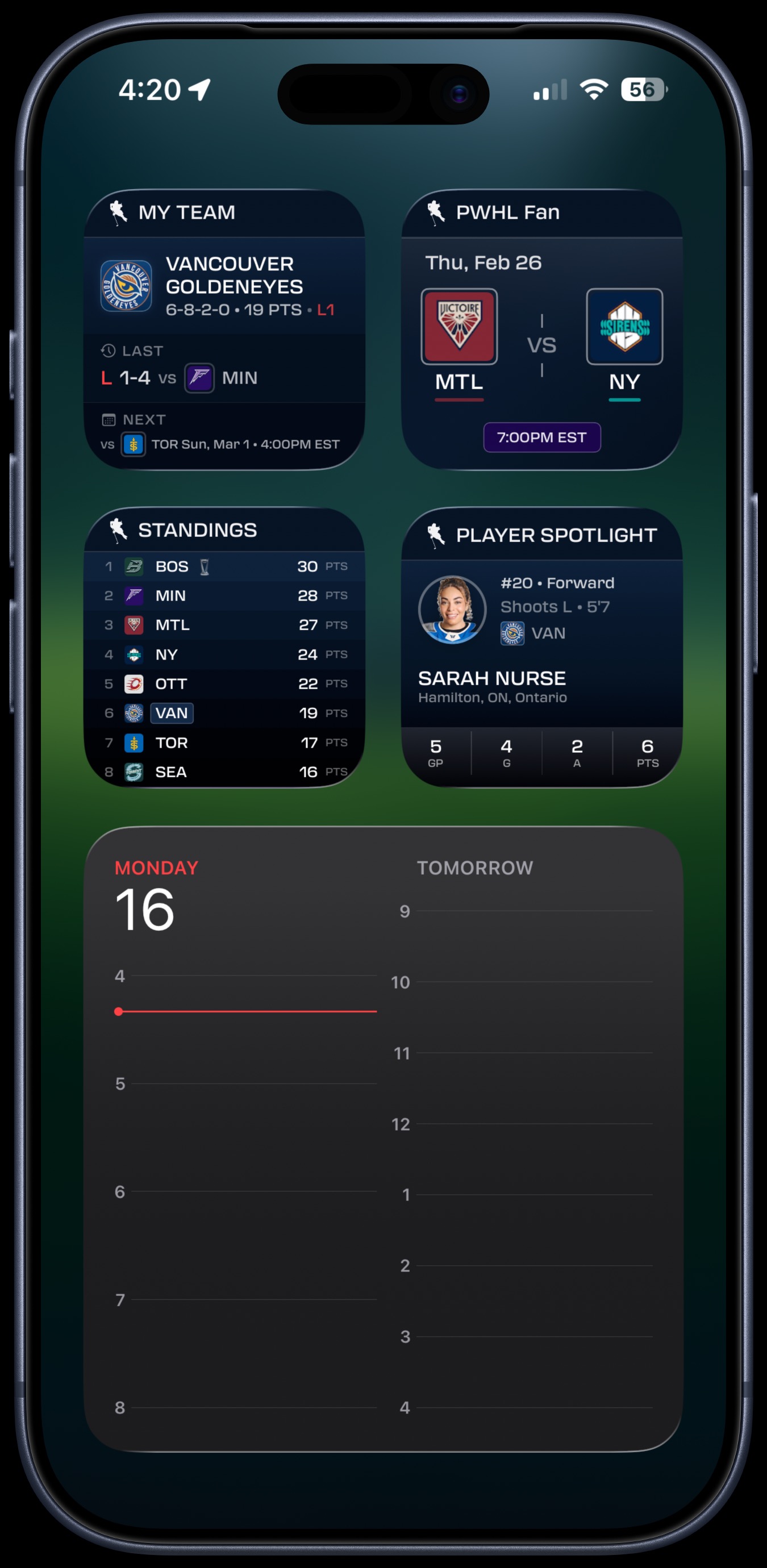
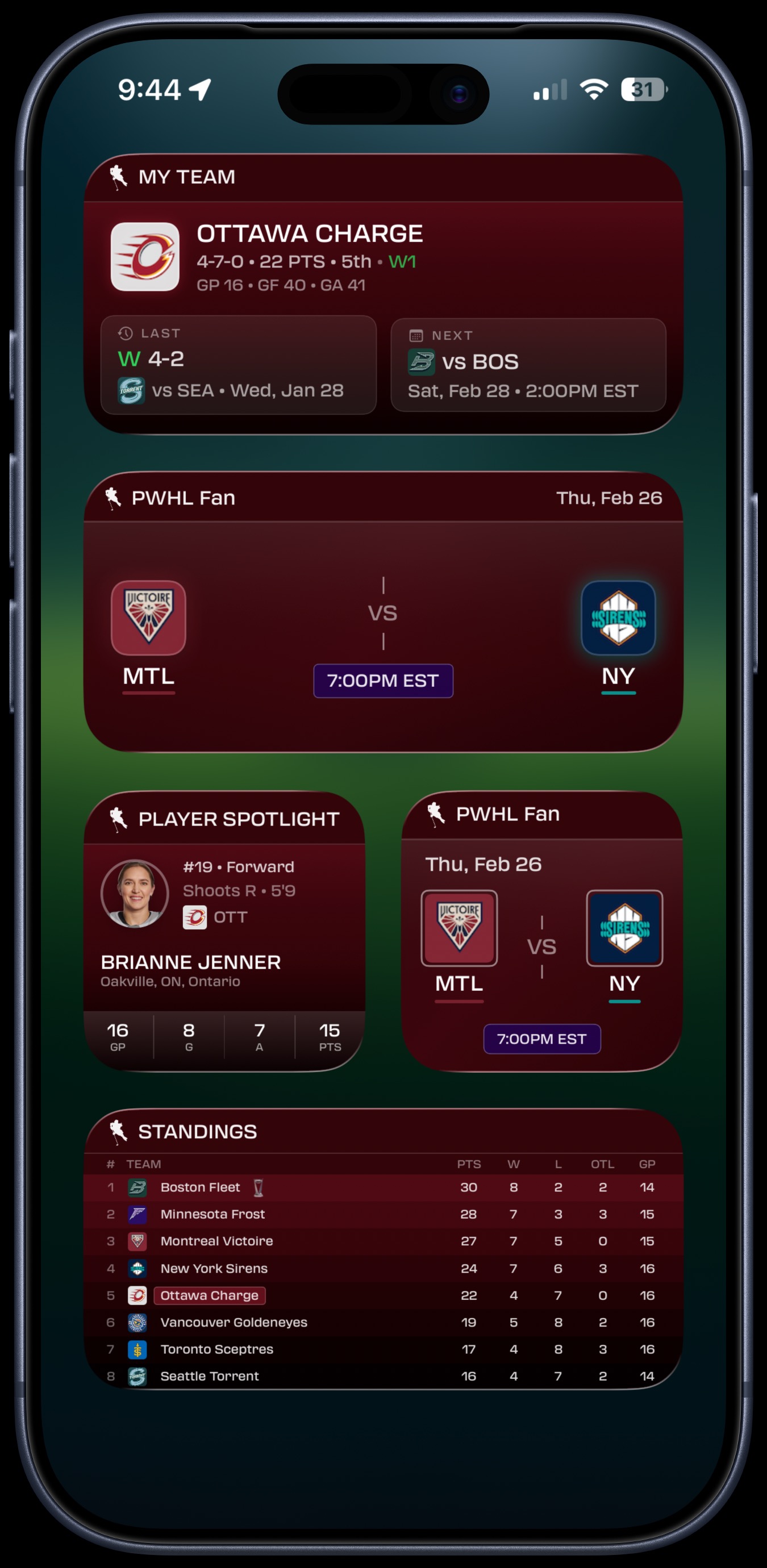
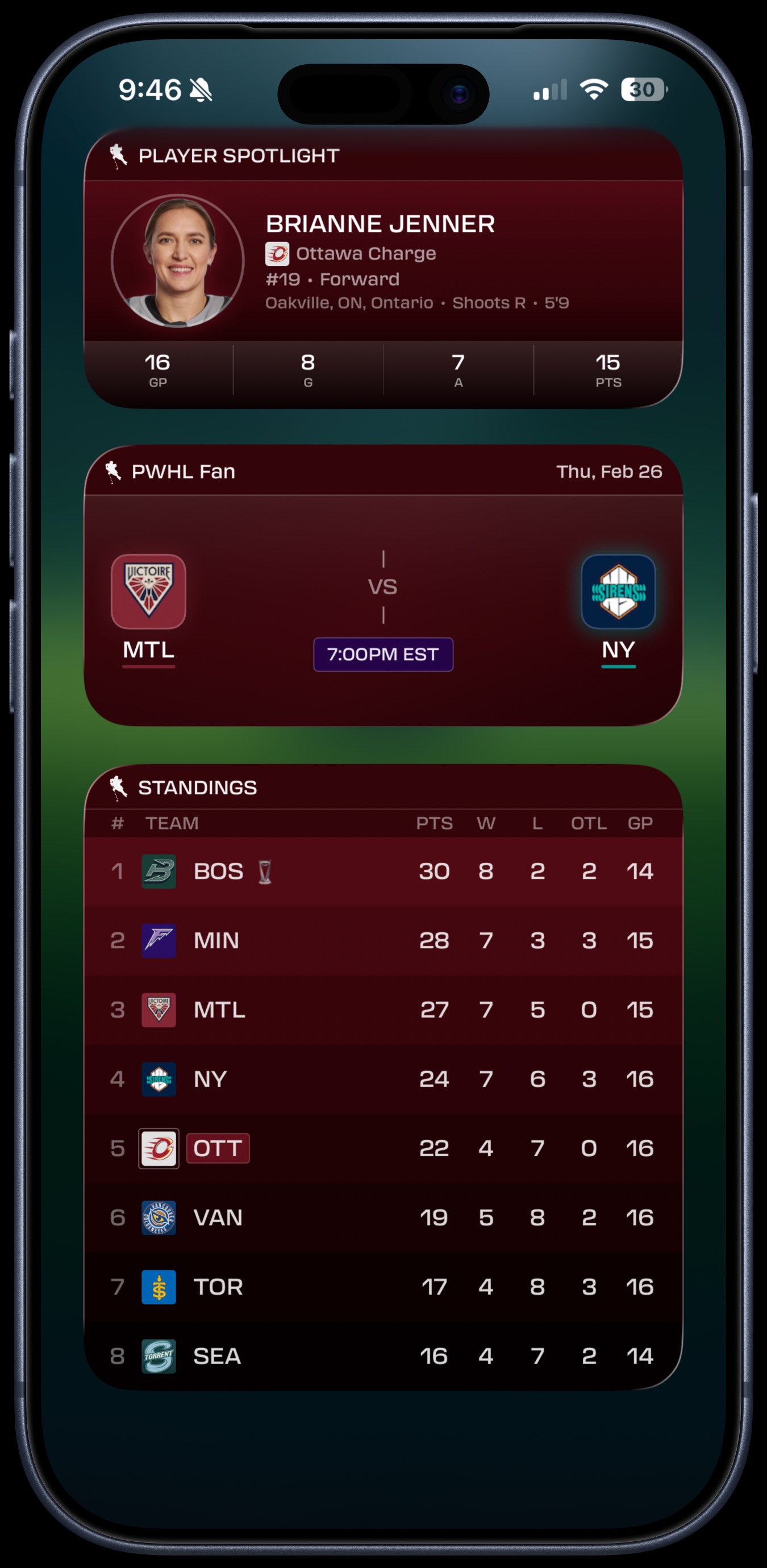
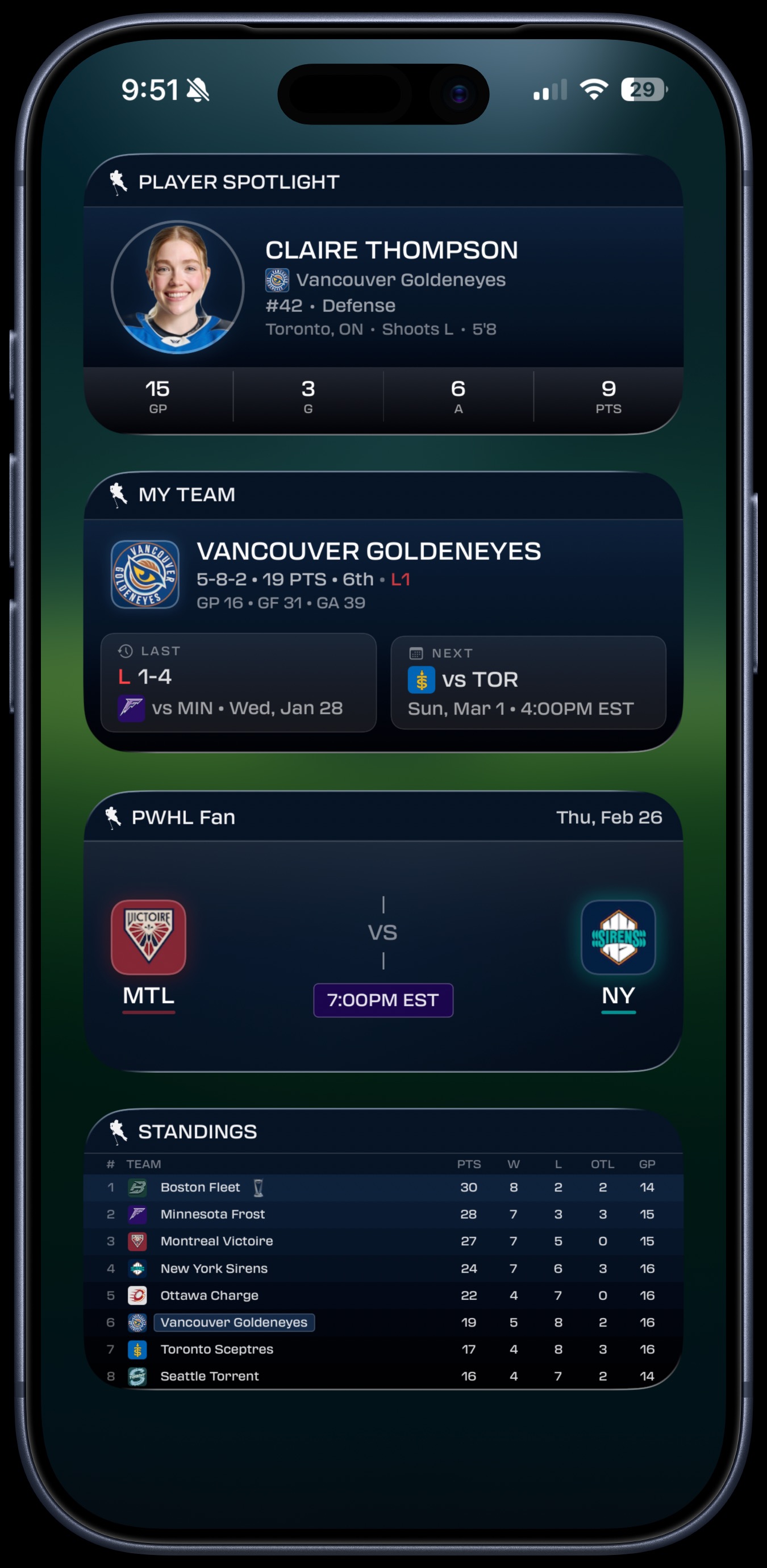
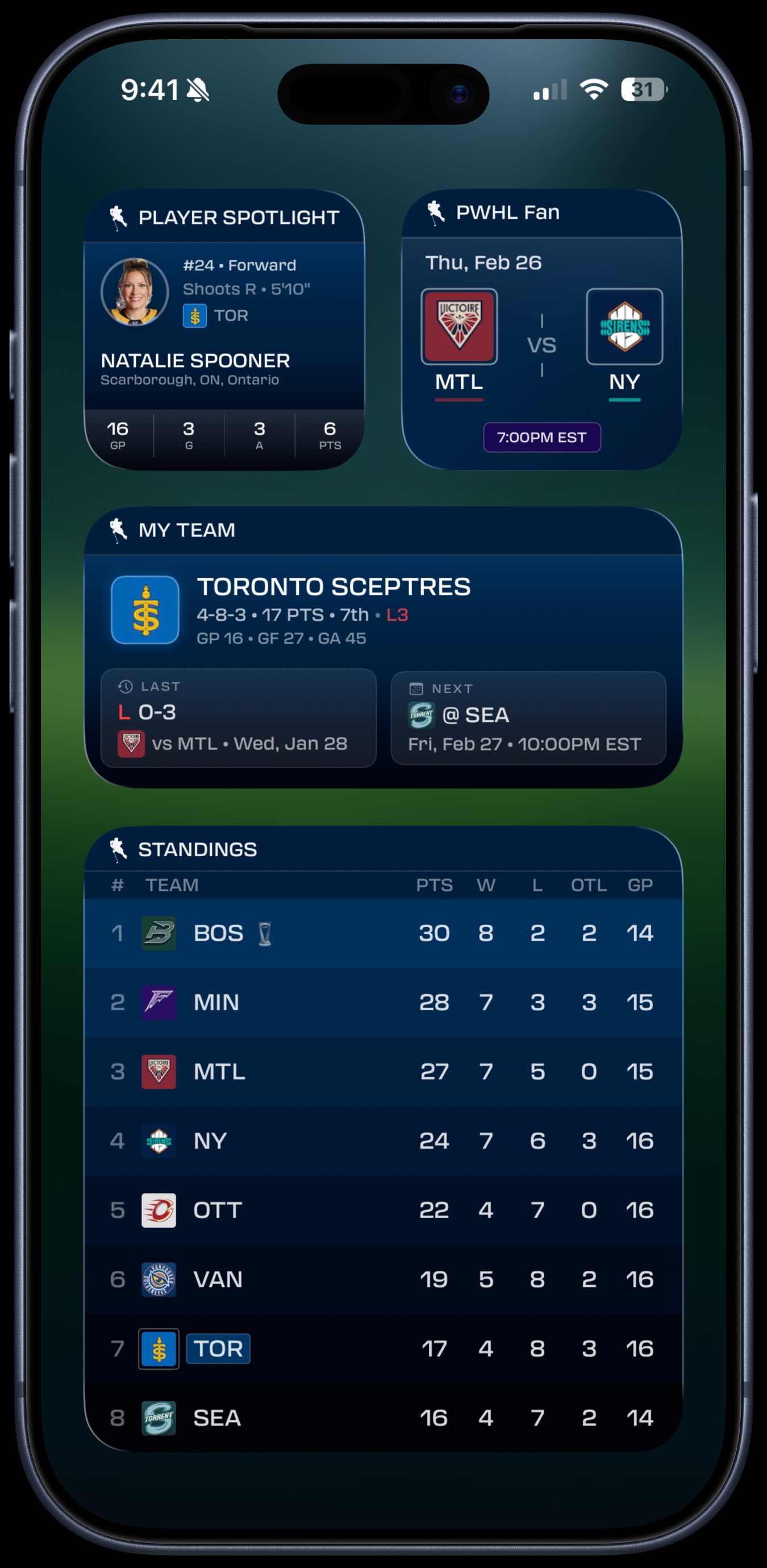
Four home screen widgets keep you connected to the PWHL without opening the app. Each is available in multiple sizes and updates automatically throughout the day.
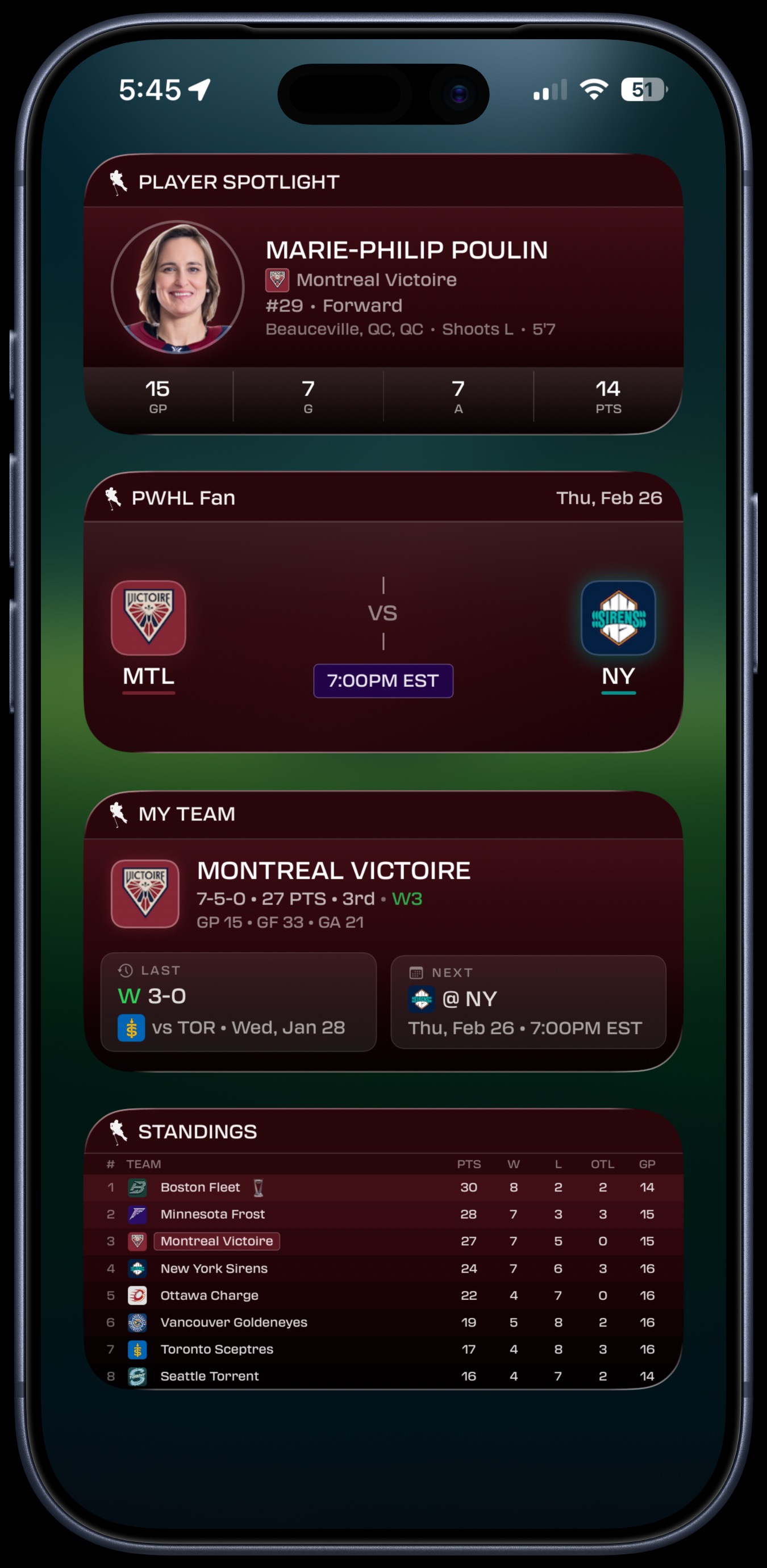
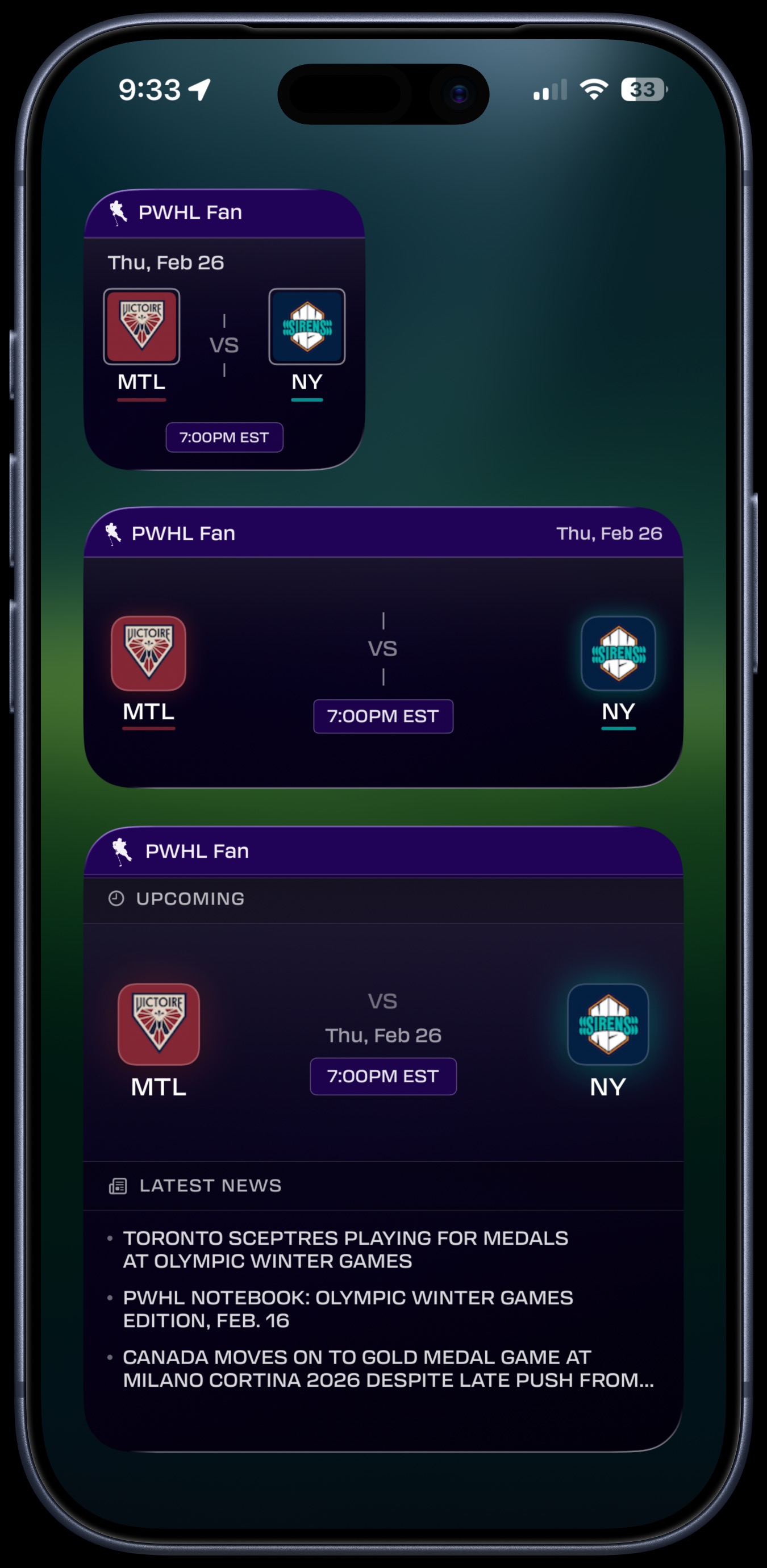
- Scores — Upcoming and live matchups with team logos, time, and date (Small, Medium, Large)
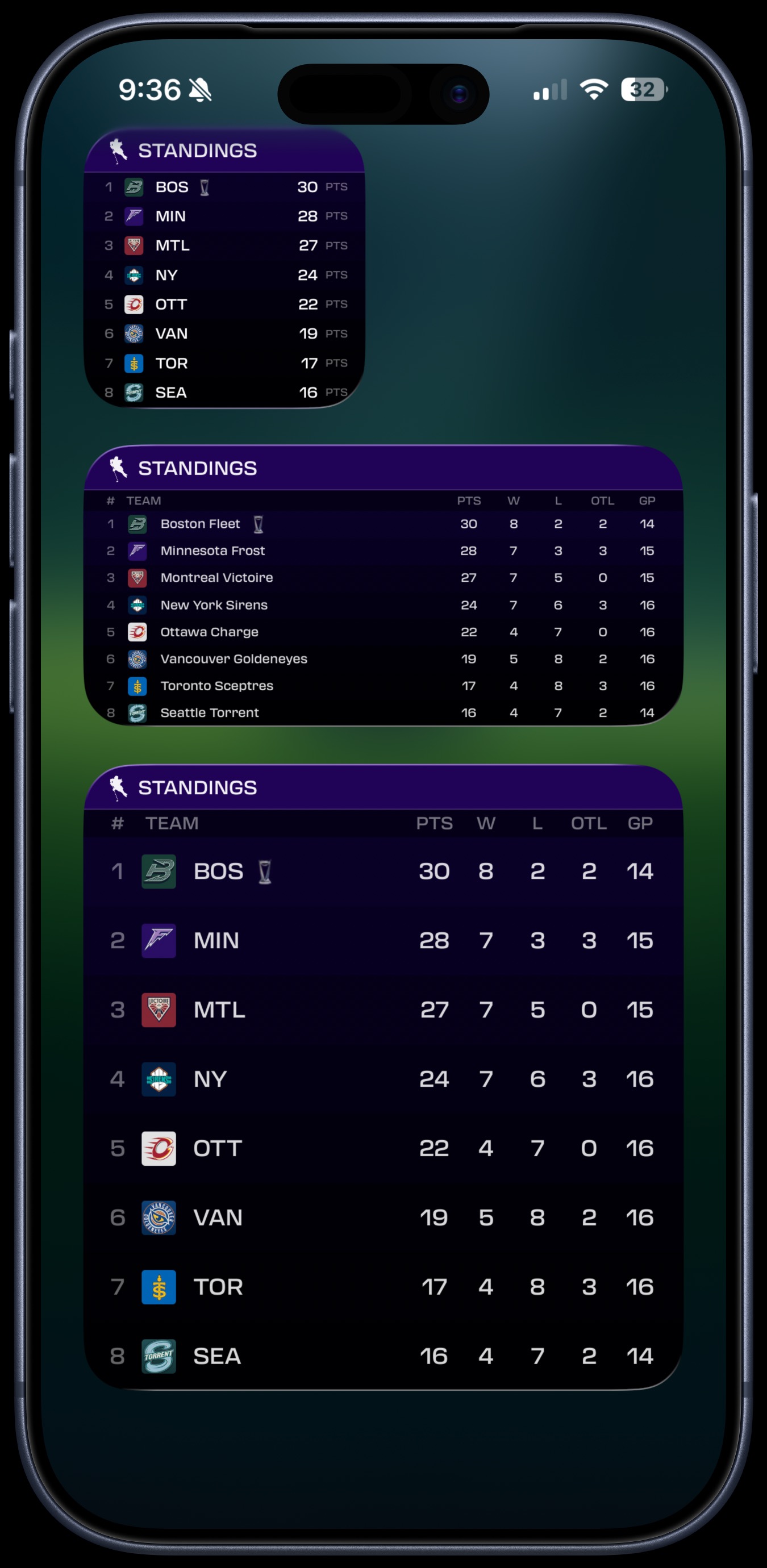
- Standings — Full 8-team league table with points, wins, losses, and OTL (Small, Medium, Large)
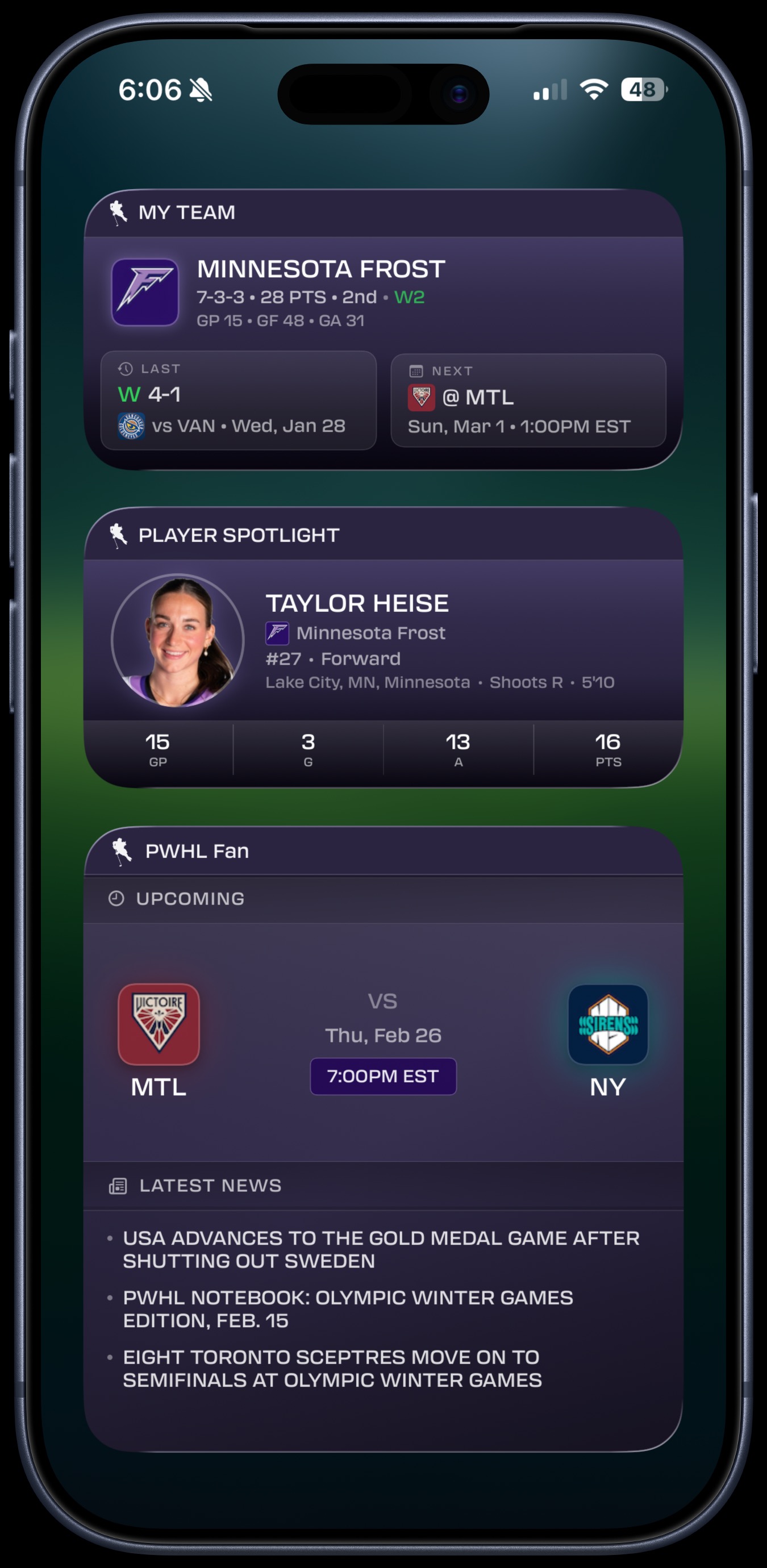
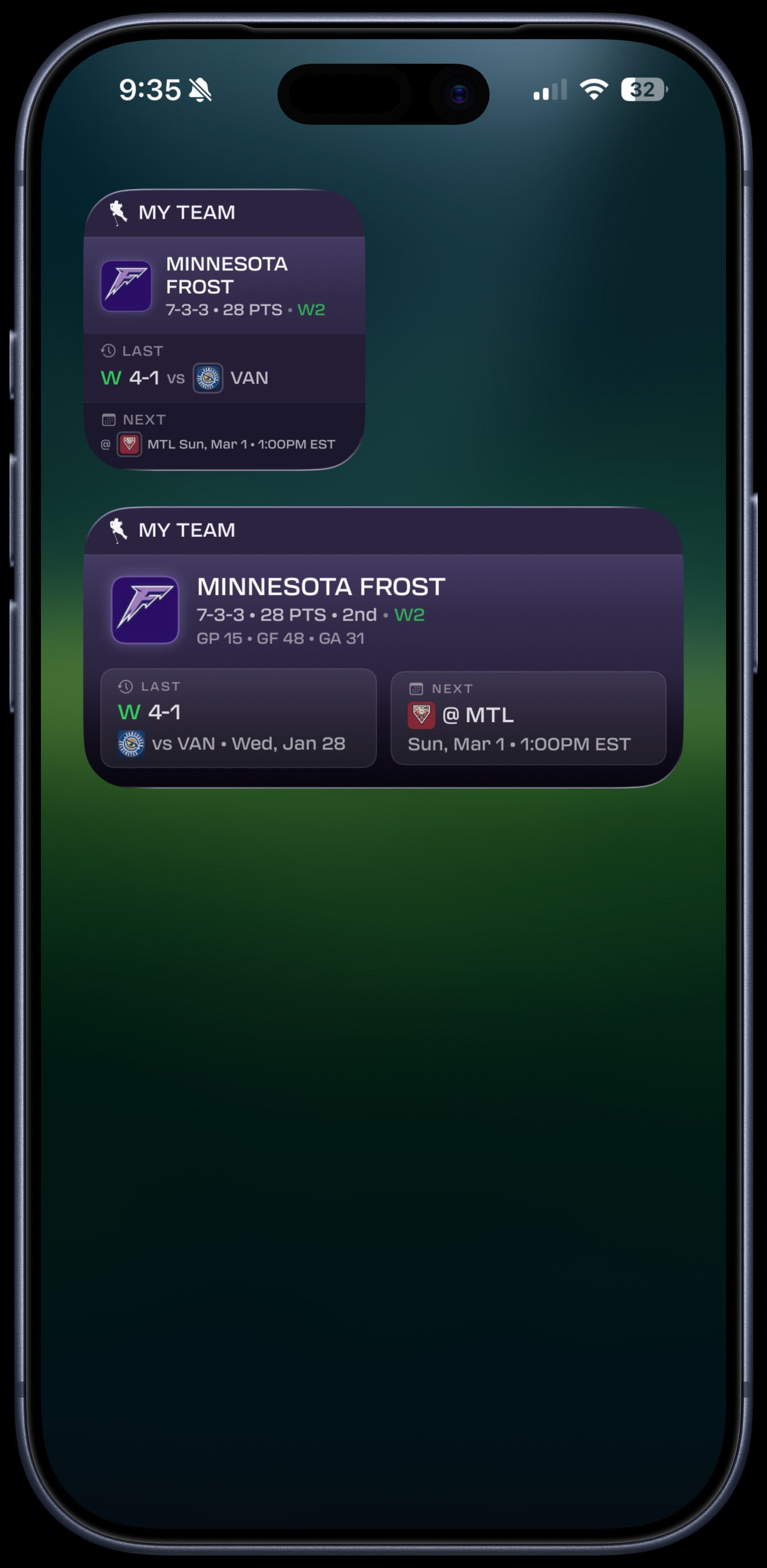
- My Team — Your team's record, streak, last result, and next game (Small, Medium)
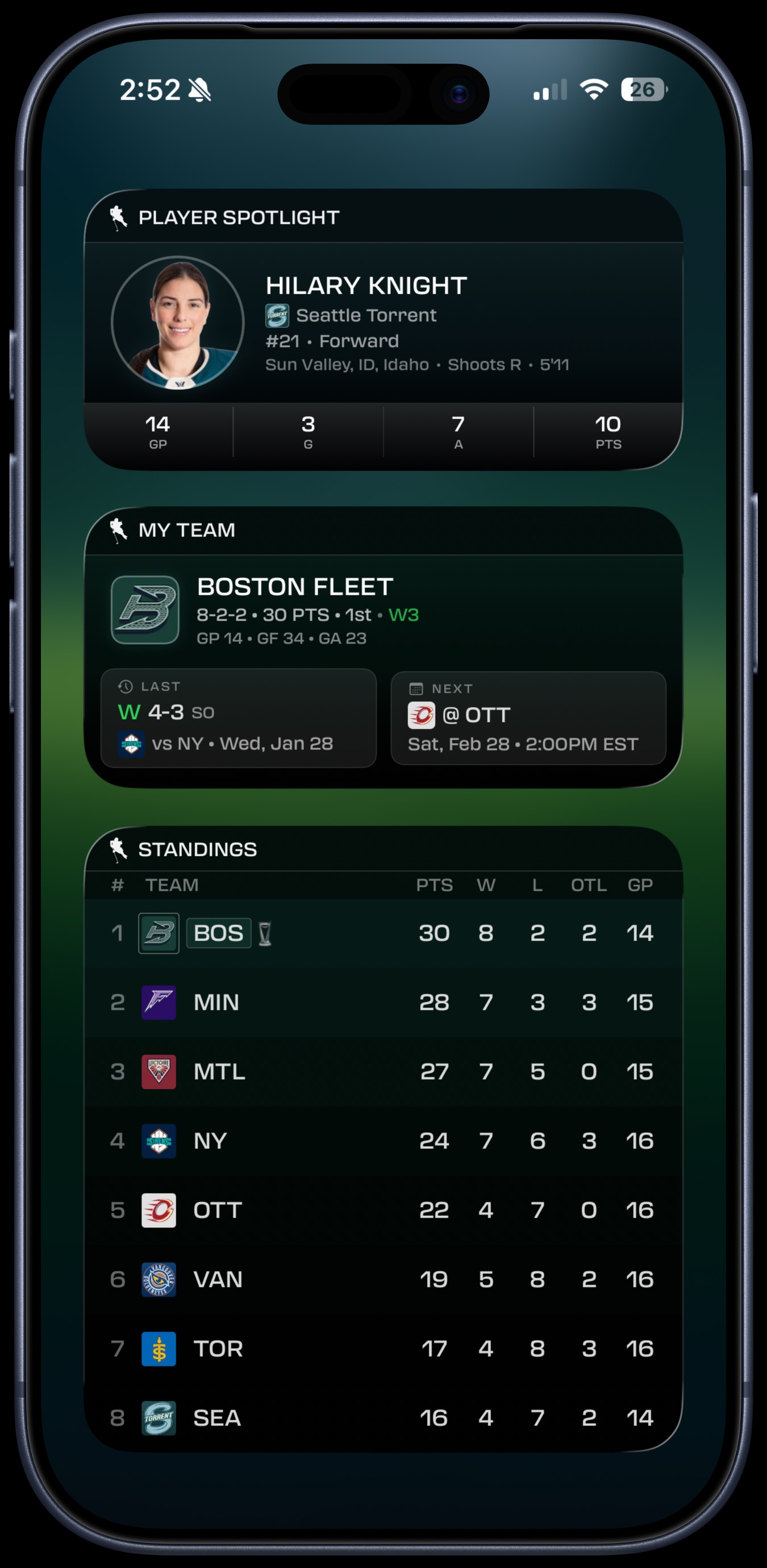
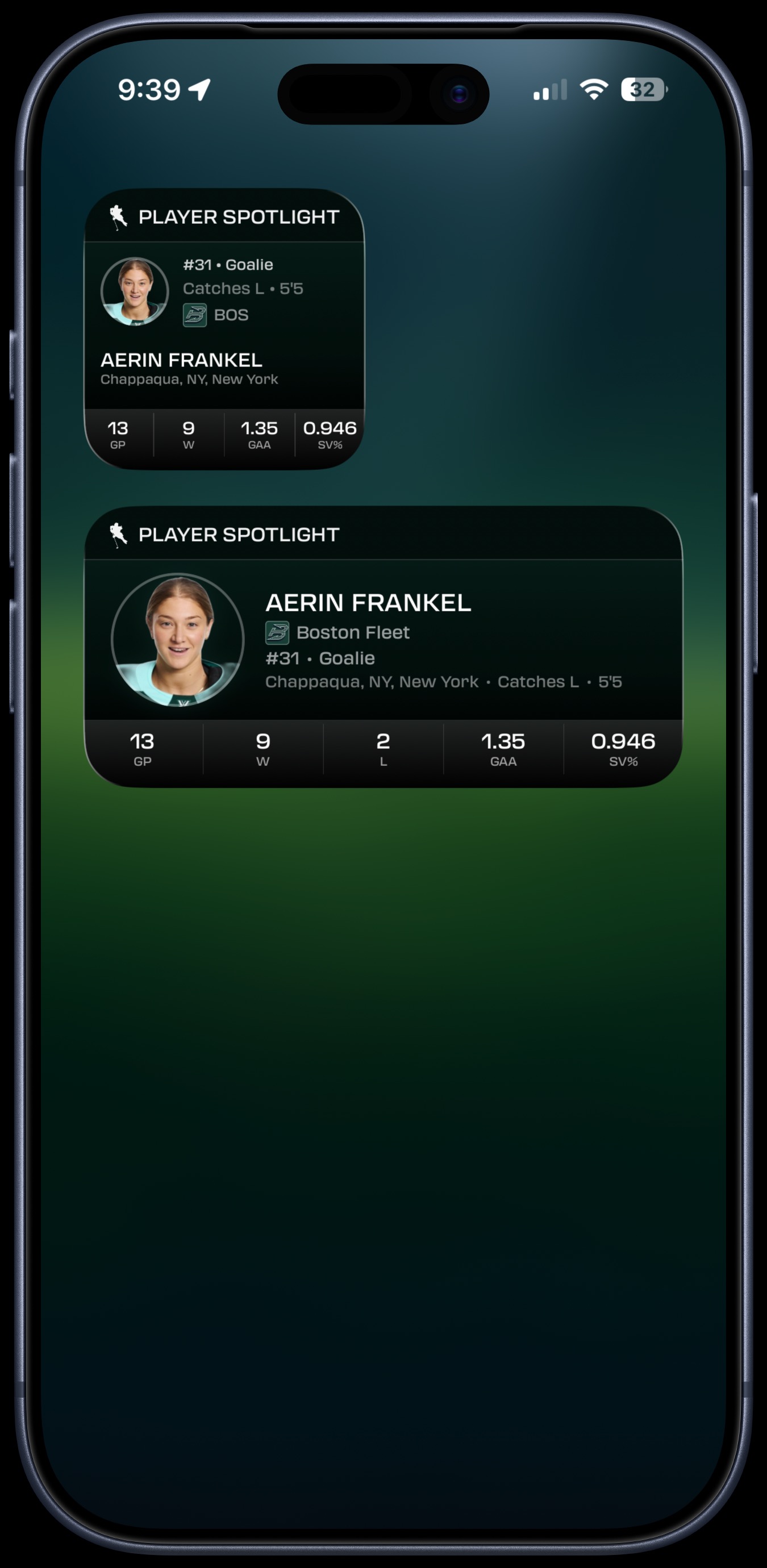
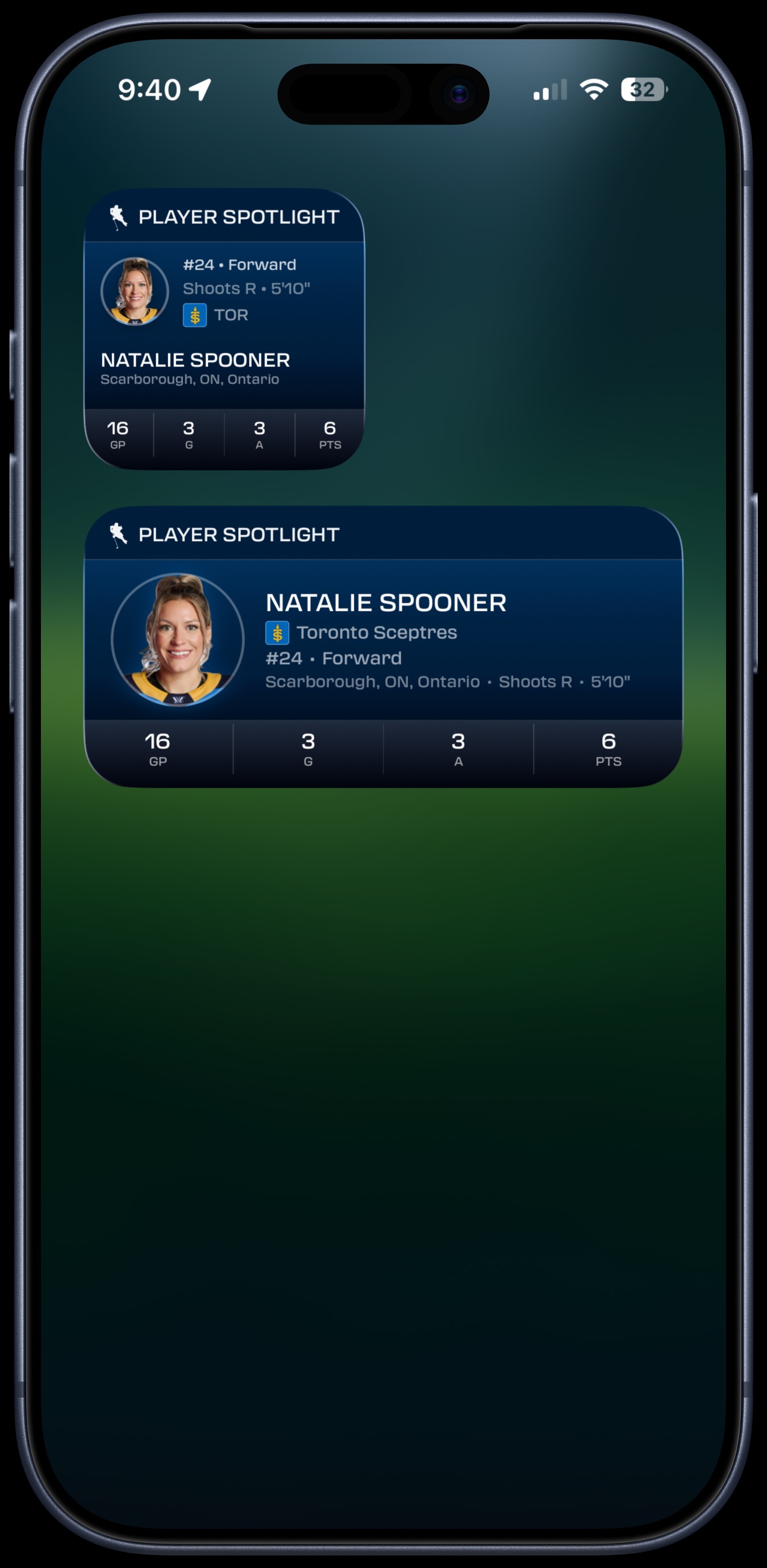
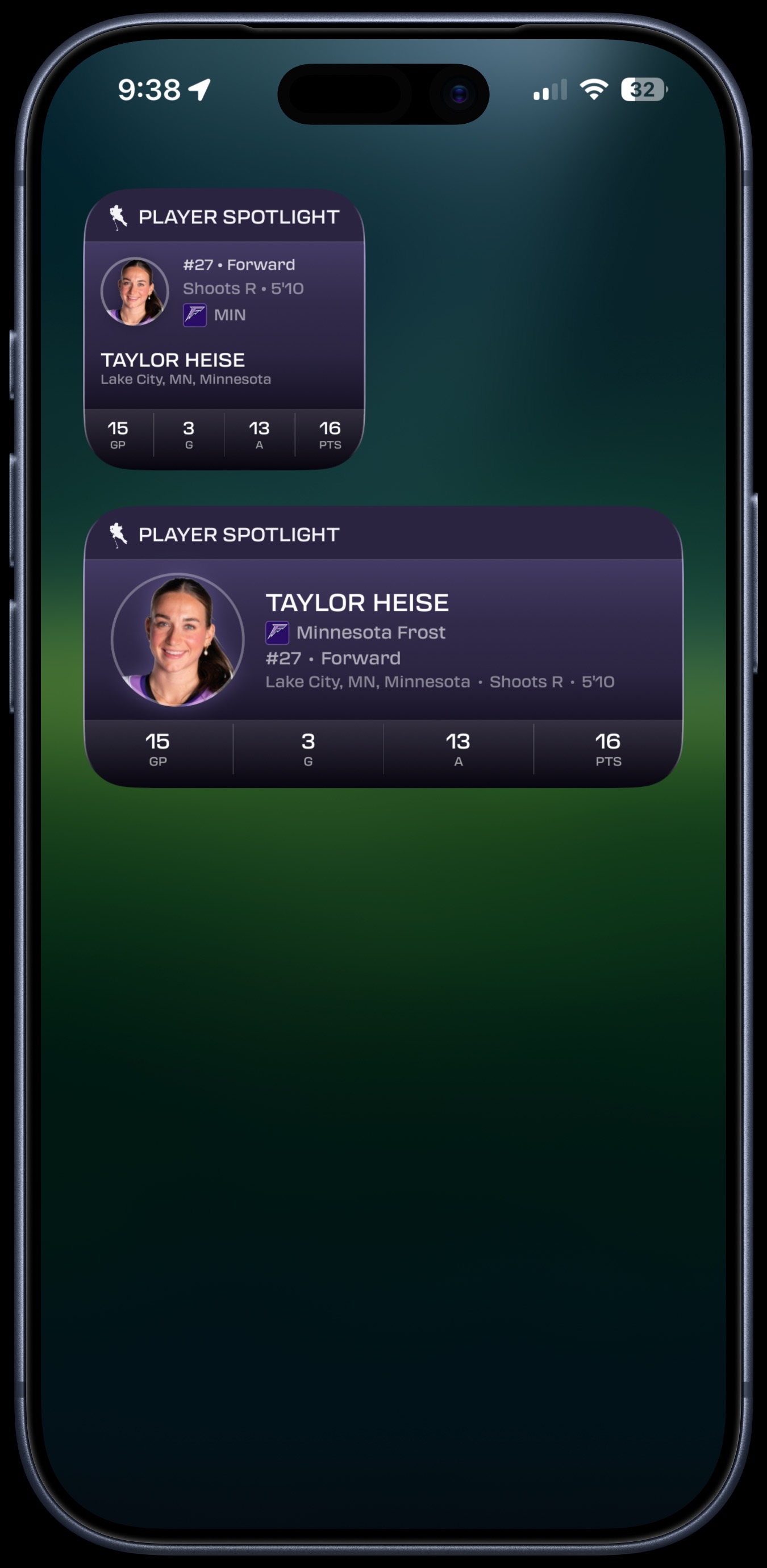
- Player Spotlight — Pick any player to feature with headshot, position, and season stats (Small, Medium)
Scores Widget
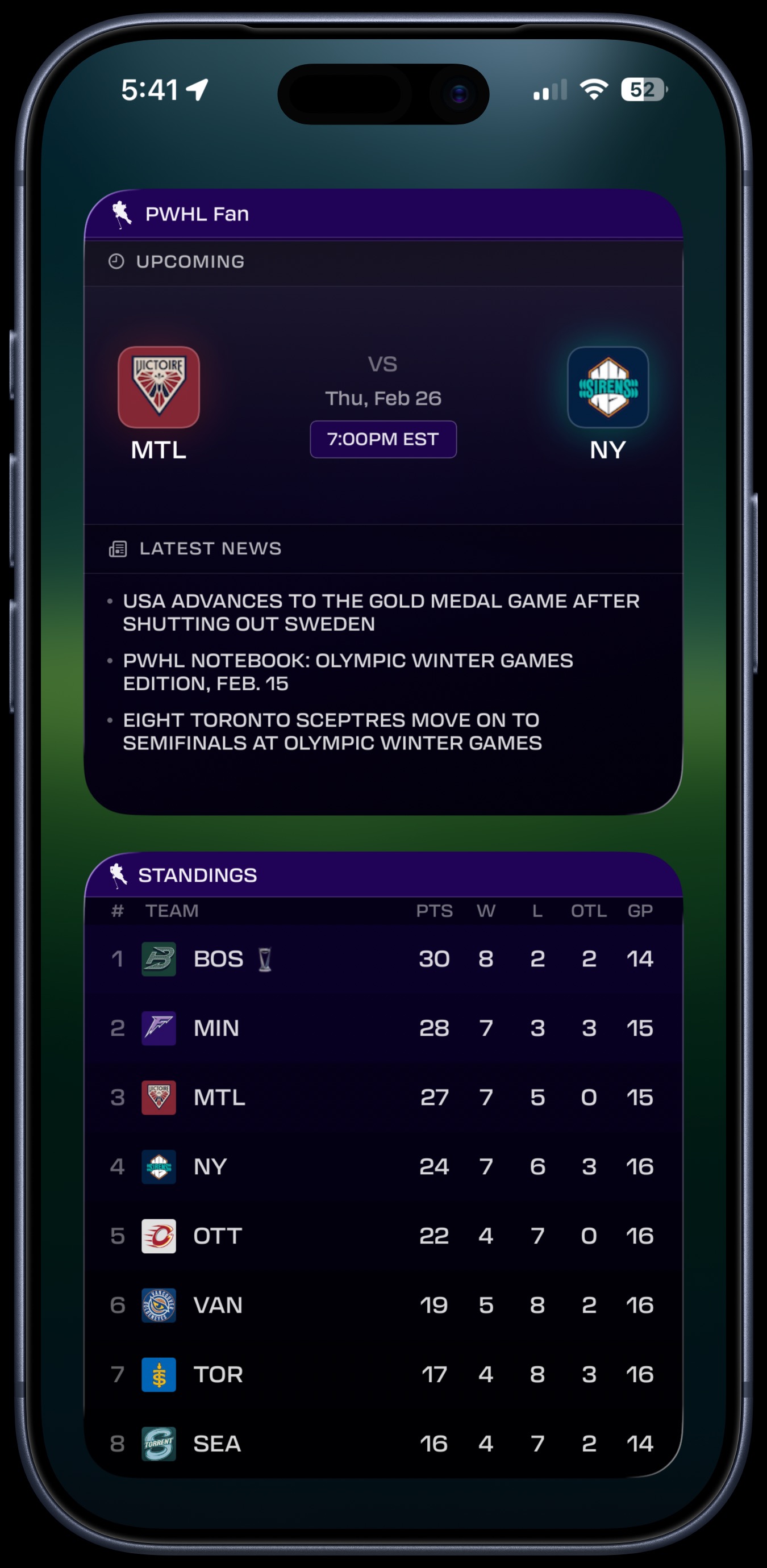
See upcoming and live game matchups directly on your home screen. The large size also surfaces the latest PWHL news headlines — no need to open the app.
- Team logos, matchup, date, and game time
- Large widget includes Latest News headlines
- Available in Small, Medium, and Large
Standings Widget
The full 8-team PWHL standings table on your home screen. Points, wins, losses, overtime losses, and games played — all visible at a glance. Your team is highlighted automatically.
- Complete league table with all 8 teams
- PTS, W, L, OTL, and GP columns
- Your team highlighted in the table
- Available in Small, Medium, and Large
My Team Widget
A dedicated widget for your favorite team. See their current record, win streak, conference position, last game result, and next upcoming matchup.
- Record, points, and league position
- Current streak (W/L) displayed
- Last result and next game with opponent and time
- Available in Small and Medium
Player Spotlight Widget
Choose any player from any team to feature on your home screen. See their headshot, position, hometown, and season stats — goals, assists, points, and games played. Rookies are tagged automatically.
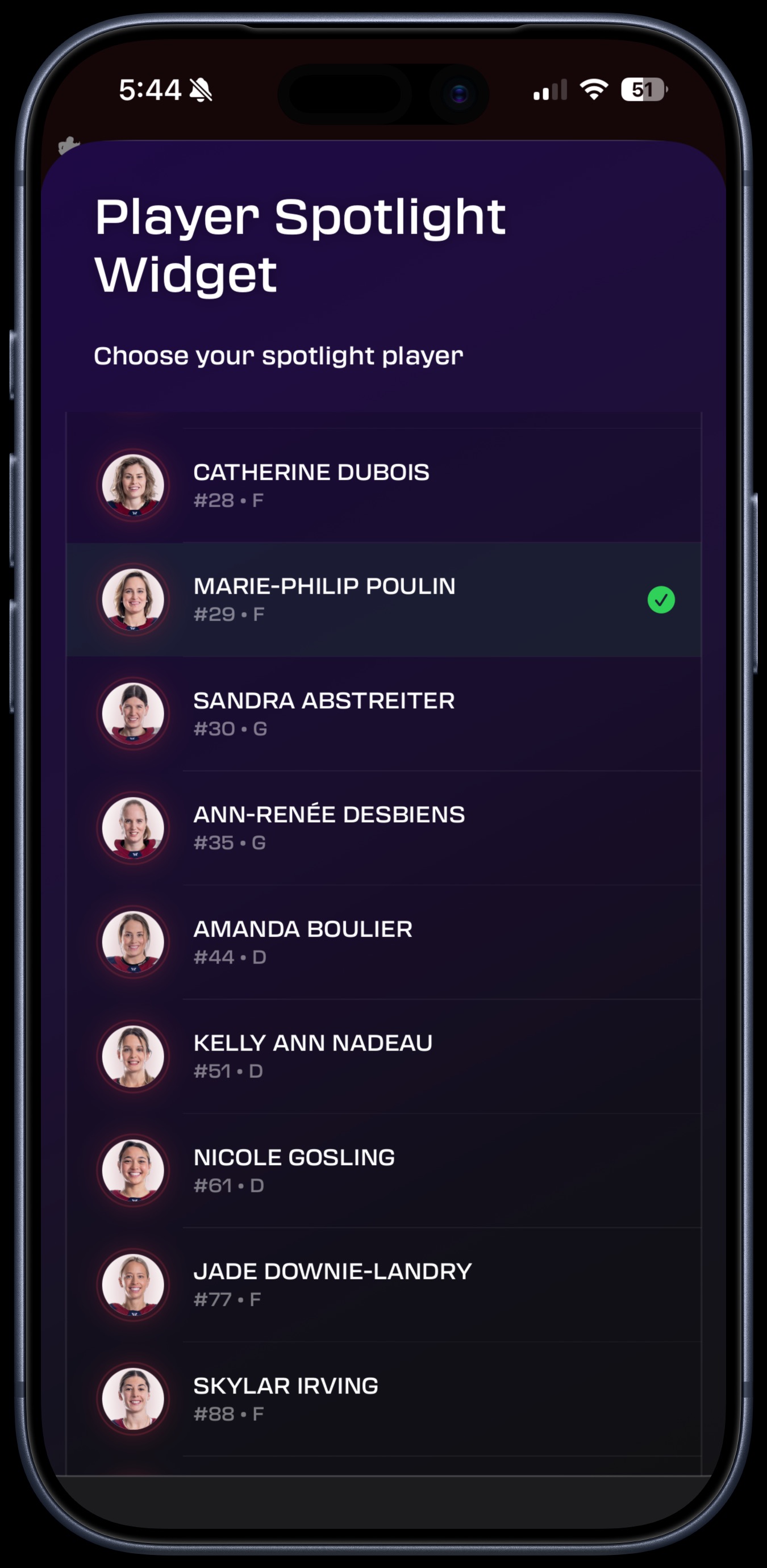
- Choose your spotlight player from the full roster
- Player headshot, team, position, and hometown
- Season stats: GP, G, A, PTS
- Rookie badge shown for first-year players
- Available in Small and Medium
Mix and Match Sizes
Combine widgets in any layout. Small, Medium, and Large sizes let you build a home screen that shows exactly what matters to you.